
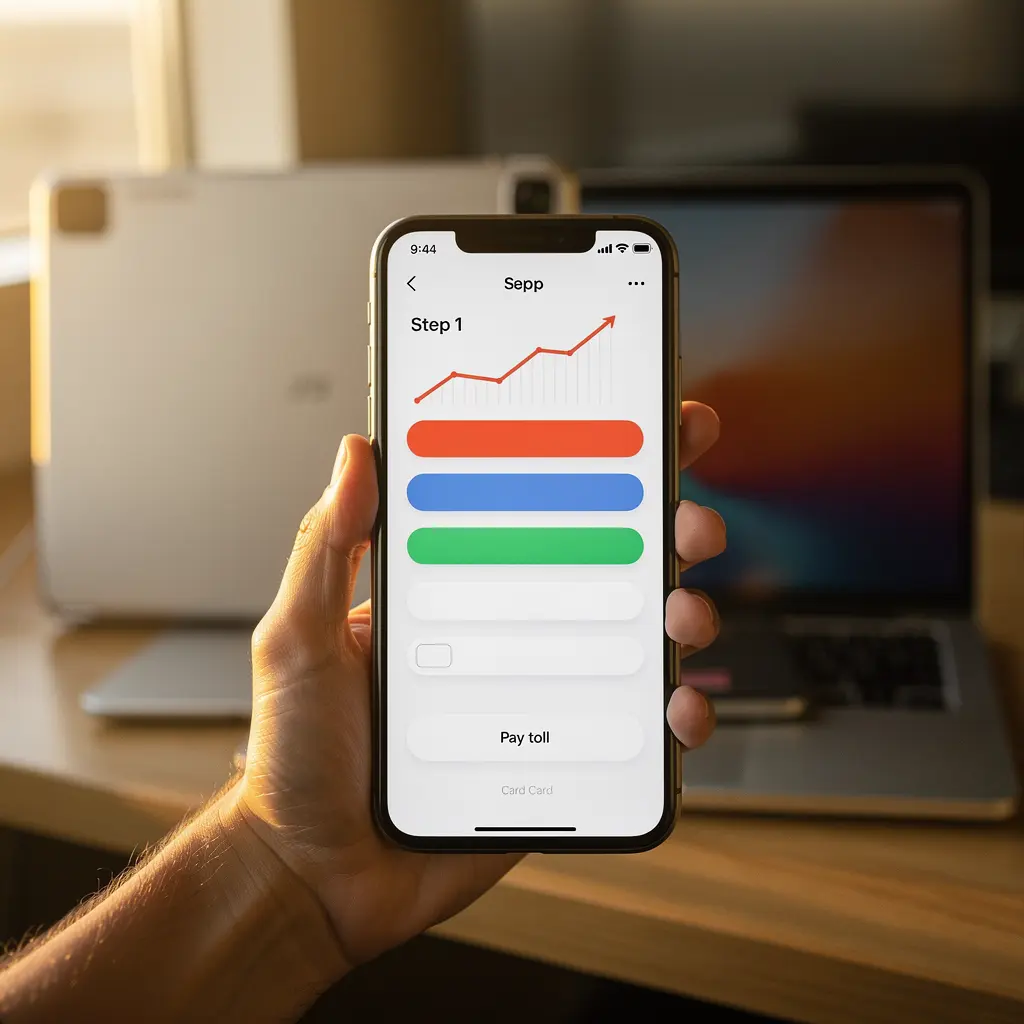
Prompt action prevents fines. Anyone driving past the M50 cameras without an electronic tag must settle the charge manually. The web portal provides an accessible route to pay using any connected smartphone or laptop. This step-by-step guide explains the exact procedure so you can finish your payment in minutes. Completing this task well ahead of the 8:00 PM deadline keeps your record clear and avoids extra charges.
Gathering your travel information in advance prevents session timeouts on the payment platform. You need your exact vehicle registration number, the jurisdiction where your vehicle is registered, and a valid debit or credit card. International visitors must identify the correct country flag or code matching their foreign registration plate. You will also need an active email address or mobile number to receive your formal transaction confirmation code.
Information Required Before You Begin
The first step requires opening the official eFlow online payment interface on your device. Select the option labeled pay a toll as an unregistered user to access the immediate clearing form. Enter your vehicle registration number carefully without spaces, hyphens, or special punctuation marks. Choose your registration country from the drop-down menu so the optical character matching system locates your travel log correctly.
The system displays the number of unpaid journeys recorded against your registration plate within recent days. Review the journey count and travel direction to confirm that the listed events match your actual road movements. If your crossing happened very recently, the journey might not show in the search results yet. In that scenario, select the advance payment option to deposit funds against the pending image match manually.
Accurate plate entry is the single most critical factor in clearing open-road toll liabilities.
The Online Payment Process Step by Step
Card processing takes place on a secure verification screen where you enter standard payment details. Submit your card number, expiry date, and security code, then complete any multi-factor bank authentication on your phone. Once approved, the interface generates a unique transaction reference number starting with a multi-digit identifier. Download the PDF statement or enter your email address to ensure a permanent written record reaches your inbox.
Plate recognition errors happen occasionally when users enter a zero instead of the letter O or mix up Irish county designations. A simple typo can assign your payment to an unrelated vehicle, leaving your real registration open to late penalty letters. Always cross-check the registration sequence on the payment screen against your physical license plate or rental agreement. Contact the support desk right away if you get a typo on your completed transaction slip.
Plate Entry and Country Code Selection
- Store the numerical transaction code in your records alongside the date and direction of travel.
- Visit a Payzone retail agent if you prefer to settle your motorway toll balance in cash.
- Check your spam or junk folder if your digital payment receipt does not arrive within ten minutes.
Alternative In-Person and Phone Channels
Paying your motorway toll requires minimal effort once you understand the basic online mechanics. Taking two minutes to complete the checkout before the next evening saves you from progressive late fees. If online access is unavailable, local Payzone retail outlets across Ireland accept cash and debit payments over the counter. Keep your payment receipts organized for at least three months following any trip. Review your travel logs regularly to maintain a clean record across all national toll routes.